Have you ever wondered how to keep your laptop battery safe during air travel? You’re not alone.
Every year, thousands of travelers face the hassle of dealing with laptop battery issues while flying. Imagine the frustration of settling in for a long flight, ready to work or enjoy a movie, only to find your battery is dead or malfunctioning.
But here’s the good news: with the right precautions, you can protect your laptop battery and ensure it performs well throughout your journey. This article is your go-to guide for keeping your laptop battery safe and sound while you travel by air. We’ll unveil simple yet effective strategies that not only extend the life of your battery but also give you peace of mind. Whether you’re a frequent flyer or planning your first trip, these tips will transform your travel experience. Dive in and discover how to safeguard your laptop battery like a pro.

Credit: www.pelican.com
Battery Regulations
Traveling with your laptop involves understanding battery regulations. Airlines and security agencies have rules to ensure safety. These rules focus on battery size and the number you can carry. Following these guidelines helps protect your devices and ensures a smooth travel experience.
Understanding Airline Battery Limits
Airlines impose limits on lithium battery capacity. Generally, batteries must not exceed 100 watt-hours. You can bring larger batteries, up to 160 watt-hours, with airline approval. Always check your battery’s watt-hour rating before packing.
Number Of Batteries Allowed
Airline rules limit the number of spare batteries. Typically, you can carry two spare batteries in your carry-on. Store them in separate bags or compartments for safety. Avoid placing them in checked luggage due to fire risks.
Proper Packing For Safety
Safety measures require proper packing of batteries. Use original packaging or insulating tape on battery terminals. This prevents accidental short-circuiting during transit. Carry batteries in your hand luggage for easy access and monitoring.
Checking Specific Airline Regulations
Each airline may have unique regulations. Check with your airline before flying. Visit their website or contact customer service for details. This ensures compliance and avoids potential travel disruptions.
Security Checkpoint Procedures
Security checks involve screening of electronic devices. Place your laptop in a separate bin. Declare spare batteries if asked. Following these procedures ensures a smooth checkpoint experience.

Credit: www.pbtech.com
Pre-flight Preparation
Preparing your laptop battery for air travel is crucial. It ensures safety and efficiency during your journey. This step-by-step guide will help you get ready. Focus on charge levels and backup chargers. These are key to a smooth travel experience. Let’s explore how to do it right.
Charge Levels
Keep your battery charge between 40% and 70% before flying. This range helps maintain battery health. A fully charged battery may overheat. A low battery can cause inconvenience. Adjust settings to reduce battery drain. Dim the screen and close unused apps. This helps conserve battery life.
Backup Chargers
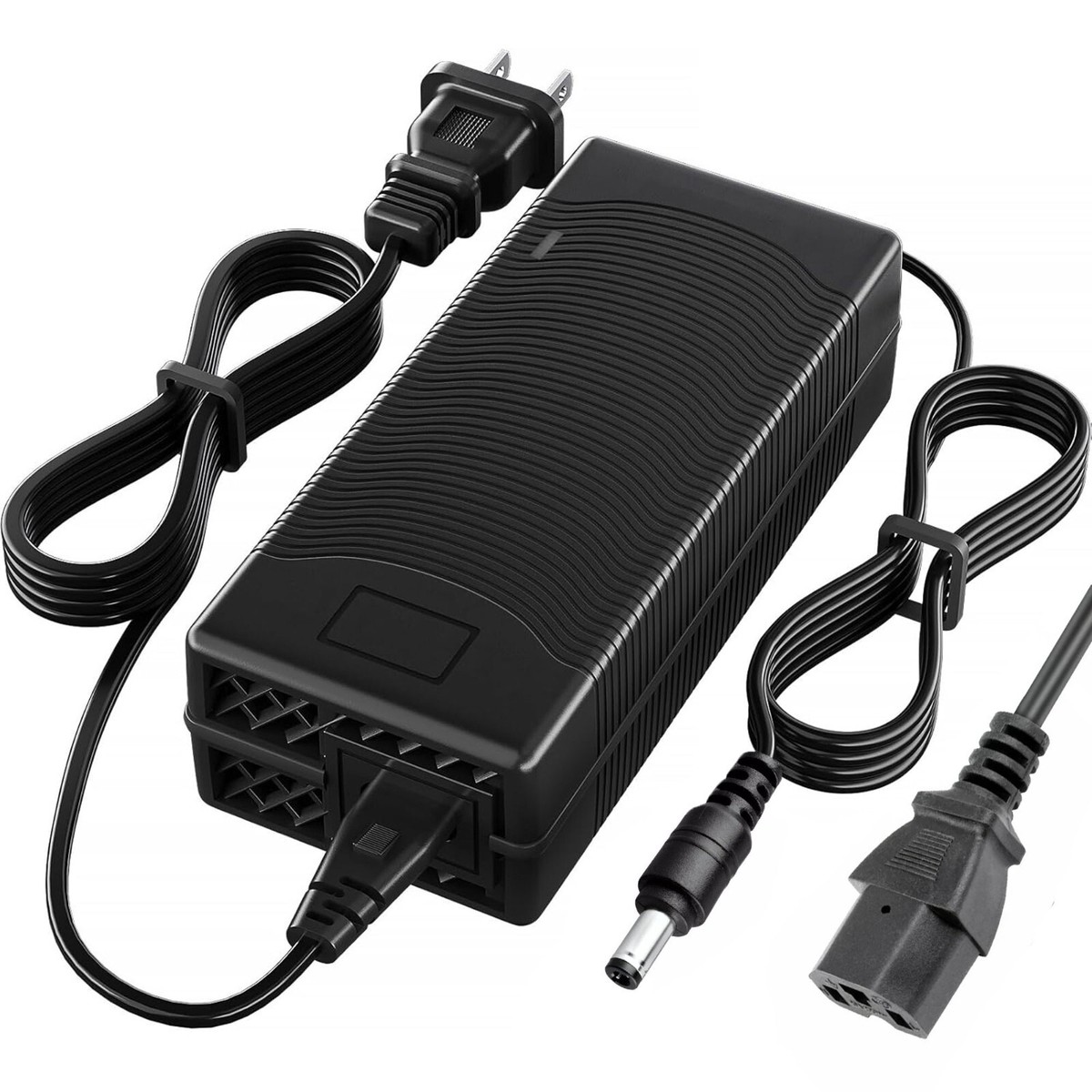
Bring a backup charger for your laptop. Portable chargers are handy. They provide extra power during delays. Ensure your charger meets airline guidelines. Check wattage limits for carry-on items. Pack it in your carry-on bag. This ensures easy access during your flight.
Packing Tips
Safeguard laptop batteries during air travel by using a padded case to prevent physical damage. Ensure batteries are charged to 40-70% to minimize stress. Keep batteries in carry-on luggage to maintain temperature stability and follow airline regulations for lithium batteries.
Packing your laptop battery for air travel requires careful planning. Airlines have strict rules for carrying batteries. Proper packing ensures safety and compliance. This section will guide you on how to pack your laptop battery smartly.
Carry-on Vs. Checked Luggage
Always place your laptop and its battery in your carry-on. Airlines often restrict lithium batteries in checked luggage. Carrying them in your hand luggage avoids potential damage. It also reduces the risk of losing your valuable device.
Protective Cases
Use a protective case to shield your laptop battery. Cases prevent scratches and physical damage. Choose a case that fits snugly for better security. Look for cases with padded interiors. They offer extra protection during travel. `
Security Checkpoints
Security checkpoints can be a hassle during air travel. Protecting laptop batteries is important. They are sensitive and require special care. Knowing what to expect can ease your journey.
X-ray Safety
Airport x-ray machines are safe for electronics. Laptop batteries can pass through them without damage. Keep laptops in their cases. This prevents scratches and impacts. If asked, remove the laptop for separate scanning. This is a routine procedure.
Handling Instructions
Handle your laptop gently at security checkpoints. Use a padded laptop bag. This provides extra protection. Avoid dropping or mishandling the device. Security staff may request inspection. Follow their directions carefully. This ensures your battery remains safe.
In-flight Usage
Flying with a laptop can be convenient. It allows you to stay productive during your journey. But using your laptop in flight requires careful battery management. Ensuring your laptop battery lasts throughout the flight is crucial. Here’s how to manage your laptop battery during air travel.
Battery Conservation
Limit battery usage by lowering screen brightness. This saves power significantly. Close unnecessary apps and tabs. They drain battery faster. Use airplane mode to disconnect wireless functions. This reduces battery consumption. Shorten idle times by shutting down or sleeping the laptop. It helps conserve battery efficiently.
Safe Storage
Keep your laptop in a padded case. It protects the battery from impacts. Avoid storing the laptop in overhead bins. They may shift and damage your device. Place it under the seat for safer storage. Ensure your laptop is off when storing. It prevents battery drainage. Use a battery sleeve for extra protection. It guards against temperature changes in flight.
Post-flight Care
Protecting laptop batteries during air travel involves careful planning. Keep your laptop in carry-on luggage to avoid extreme temperatures in cargo. Fully charge the battery before flying to ensure it’s ready for use and reduce the risk of damage.
After a long flight, caring for your laptop battery can be the last thing on your mind. However, post-flight care is crucial in maintaining the health and longevity of your battery. By taking a few simple steps, you can ensure your laptop remains a reliable companion on your travels.
Inspection For Damage
Once you land, take a moment to inspect your laptop battery for any visible damage. Check for any unusual bulges, leaks, or discolorations. These can be signs of damage from cabin pressure or temperature changes. If you’re unsure about what you’re seeing, compare it to how your battery looked before your flight. A quick inspection can prevent bigger issues down the road.
Recharge Protocols
After ensuring your battery is intact, consider your recharge strategy. Plugging in your laptop as soon as you reach your destination might be tempting, but wait until the battery cools to room temperature first. This simple step can prevent potential damage from temperature fluctuations. It’s also a good idea to let your battery drain to around 20% before recharging. This practice helps in maintaining the battery’s optimal health over time. Have you ever thought about how these small actions can significantly extend your battery’s life? Keeping this in mind can save you from unexpected battery failures during your next trip. Remember, a little attention post-flight can make a big difference in keeping your laptop ready for your adventures.
Emergency Procedures
Traveling with a laptop requires careful attention, especially regarding battery safety. Understanding emergency procedures can prevent potential hazards during air travel. Knowledge of handling overheating and reporting incidents ensures a safe journey for both you and your device.
Handling Overheating
If your laptop overheats, act quickly. First, turn off the device. Disconnect it from any power source. Allow it to cool in a ventilated area. Avoid placing it on soft surfaces. These surfaces trap heat. Use a cooling pad if available. Monitor the temperature closely. If overheating continues, seek professional assistance.
Reporting Incidents
If an incident occurs, report it immediately. Notify flight attendants if you’re on a plane. Provide clear details about the situation. Follow their instructions carefully. Reporting incidents helps maintain safety for everyone. It also ensures proper handling of the device. Prompt reporting can prevent further complications.

Credit: www.amazon.com
Frequently Asked Questions
Where To Put Laptop Battery When Flying?
Place your laptop battery in your carry-on bag. Airlines require batteries to be in the cabin, not checked luggage. This prevents potential hazards during flight. Always check the airline’s specific rules regarding battery size and quantity. Ensure batteries are stored properly to avoid damage or short-circuiting.
How To Protect Batteries When Flying?
To protect batteries during flights, pack them in carry-on luggage. Use battery cases or cover terminals with tape. Follow airline regulations on battery size and quantity. Keep spare batteries in original packaging or plastic bags. Avoid packing damaged or recalled batteries.
Always check airline guidelines before traveling.
Are Laptop Batteries Safe In Checked Luggage?
Laptop batteries are generally not safe in checked luggage. They pose a fire risk due to potential overheating. Airlines recommend carrying them in your carry-on. This ensures quick access in case of emergencies. Always check airline guidelines for specific rules on battery transport.
What Battery Packs Are Allowed On Flights?
Airlines allow battery packs with a capacity of up to 100Wh in carry-on luggage. Larger batteries, between 100Wh and 160Wh, require airline approval. Spare batteries must be protected against short circuits. Always check individual airline policies before traveling.
Conclusion
Protecting laptop batteries during air travel is crucial. Start by checking airline rules. Use a sturdy laptop case. Keep batteries in your carry-on, not checked bags. Avoid extreme temperatures; they can harm battery life. Charge your laptop before your flight.
Only use official chargers. Consider carrying a portable power bank. Turn off your device when not in use. These steps help ensure your laptop battery stays safe. A little preparation goes a long way. Keep your technology ready for your next journey.
Safe travels and happy computing!